How To Bill For Consulting Services
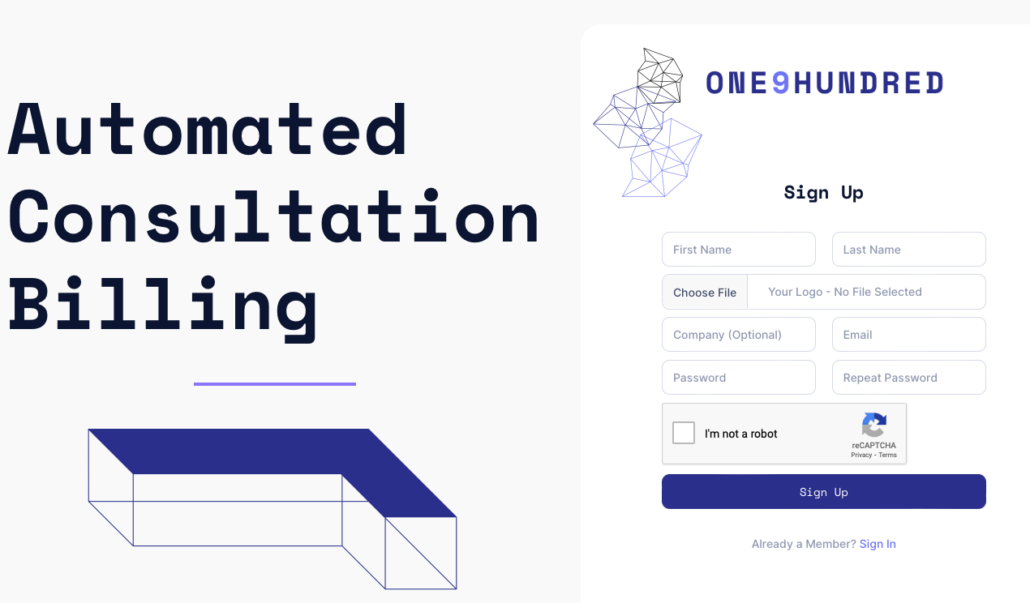
Whether you’re an accountant, attorney, or other consultant, you’re going to need an easy way to bill clients for paid calls. That starts with upfront billing for you paid consultations. The process can be easier than you might expect.
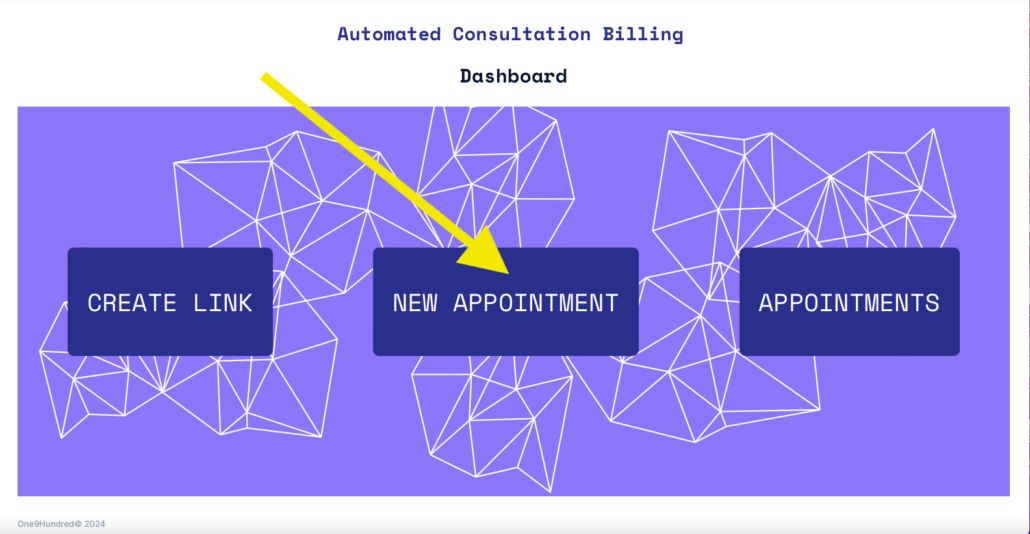
2. Create New Appointment
Click the new appointment box.
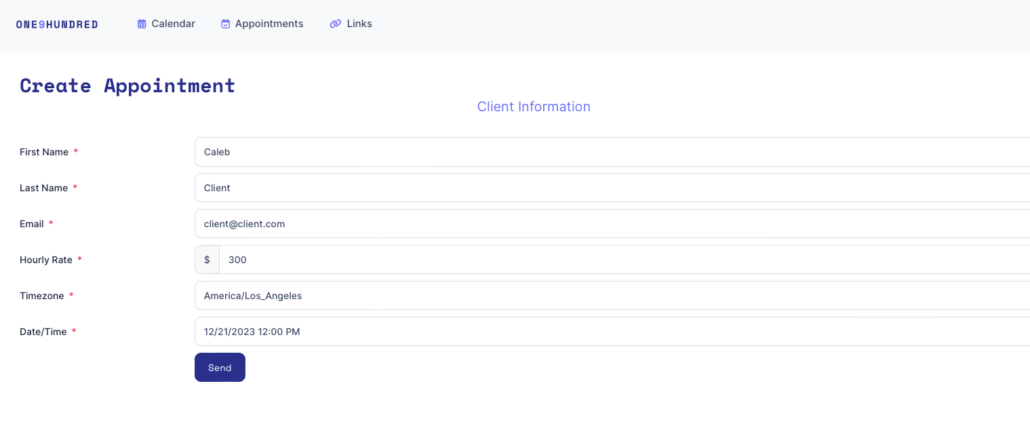
3. Enter Client Information
Fill out the client information fields and click “send.”
4. Client Receives Invitation
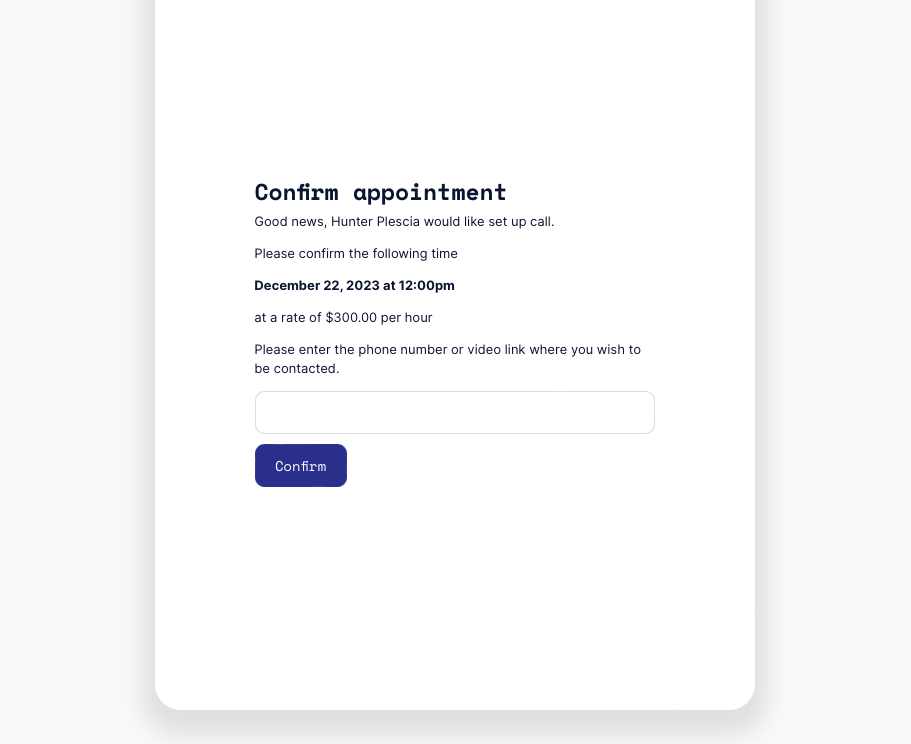
Client will receive an email with your logo and the terms of the appointment then enters a phone number or video call link.
5. Client Enters Payment Information
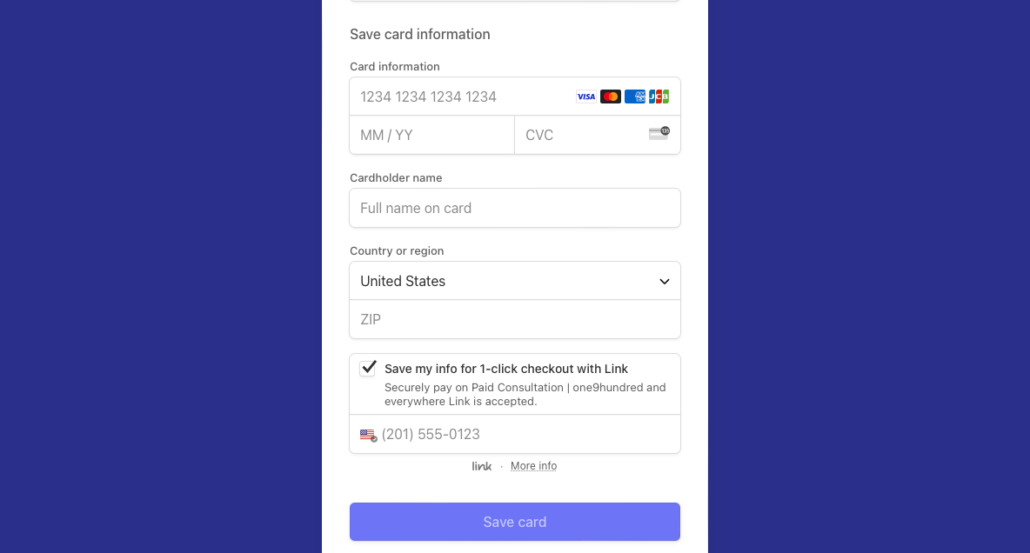
Client will be prompted to enter payment info that will be automatically charged upon conclusion of consultation.
6. Appointment is Confirmed
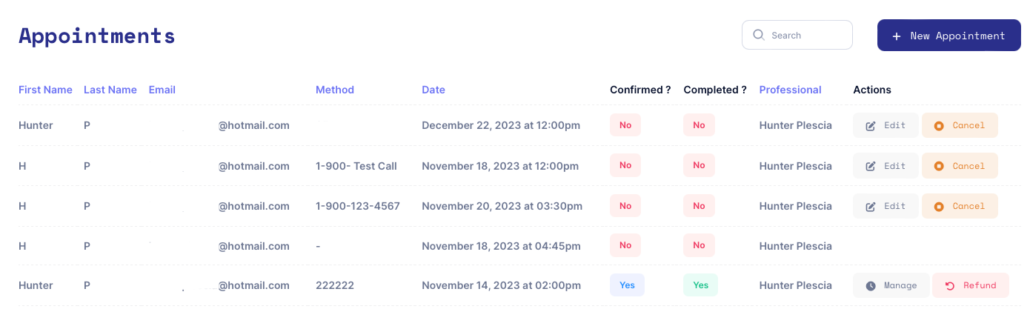
You will see the appointment confirmed in your dashboard when payment information is entered.
7. Manage Appointment
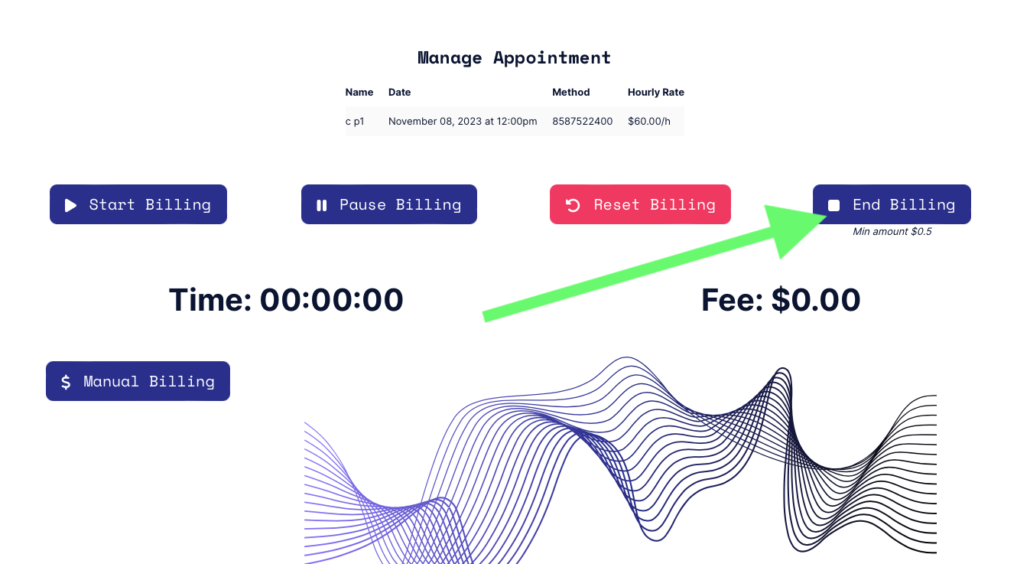
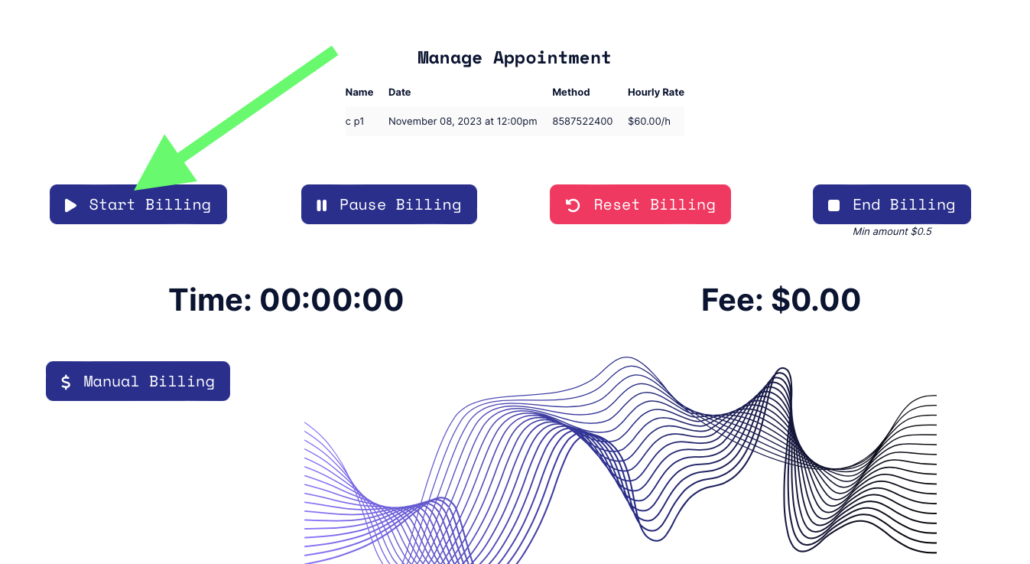
Once the call begins you will start the click by clicking “Start Billing.”
8. End Billing
Upon conclusion of the call you’ll click “End Billing” which will freeze the clock and automatically charge the card of the client and send an invoice.